目錄
Our system will not automatically replace all of the first-level tags. Therefore, you need to manually do it one by one.
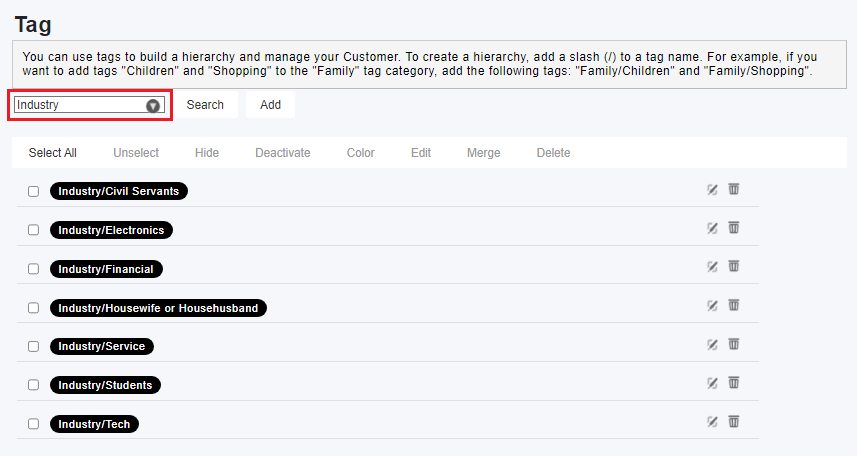
1. Go to the tag settings page and enter the name of the first-level tag to search all the tags under that level.
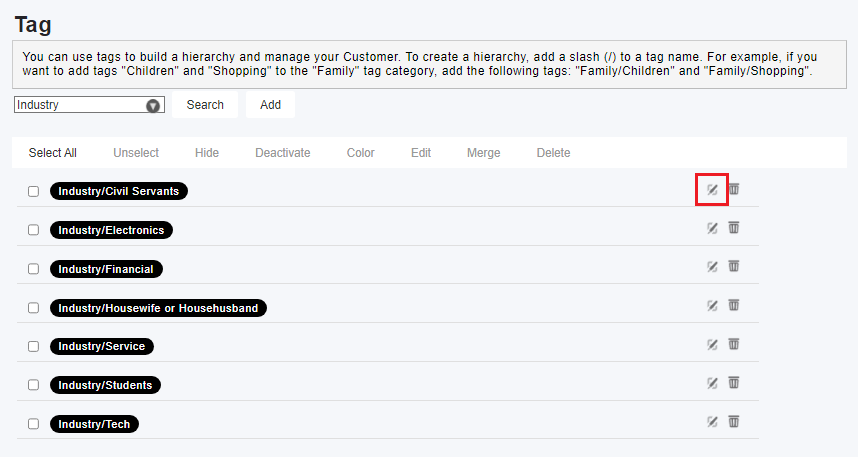
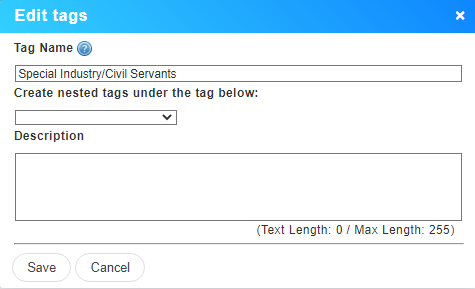
2. Since you are replacing the "first-level tag", the names of all the levels below it remain unchanged. Therefore, you can click on each label one by one and edit them.
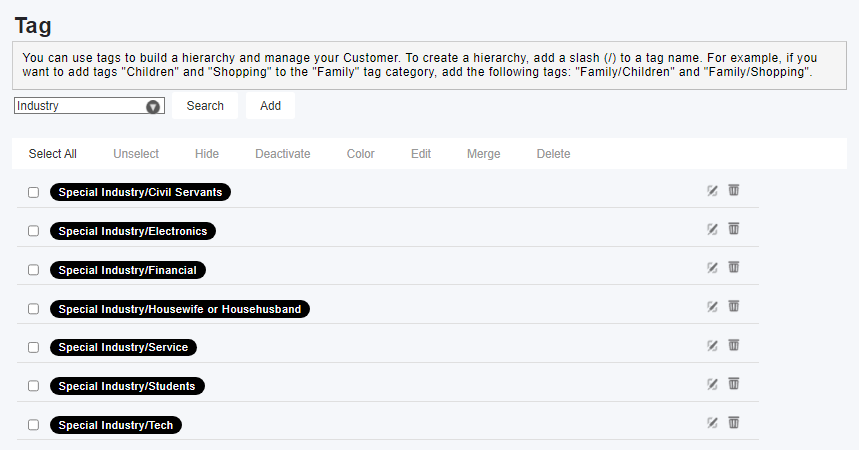
3. After editing all the tags, use the new tag name to search and confirm the editing results.
來源連結:
https://support.vitalyun.com/en/?catid=28&id=5149%3Ahow-to-edit-the-first-level-tag-with-sub-tags-under-it&view=article
More Content
2024 August
How to change the System Representative email account?
2024 August