目錄
1. Go to [Order] tab, then click [Add].
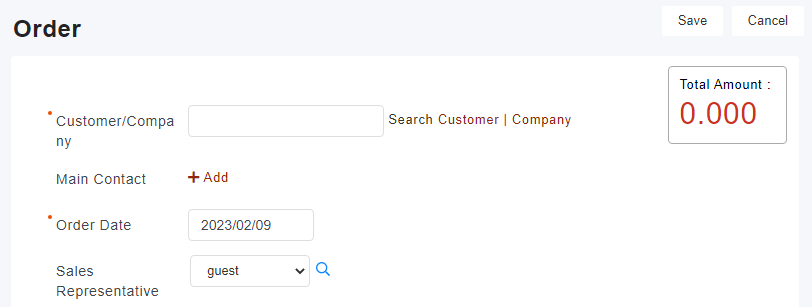
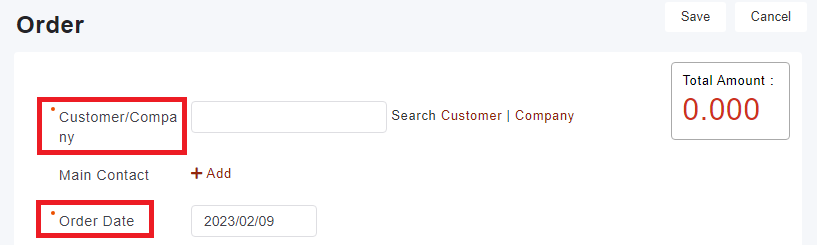
2. Please note red*fields must be filled when you’re creating a purchase record
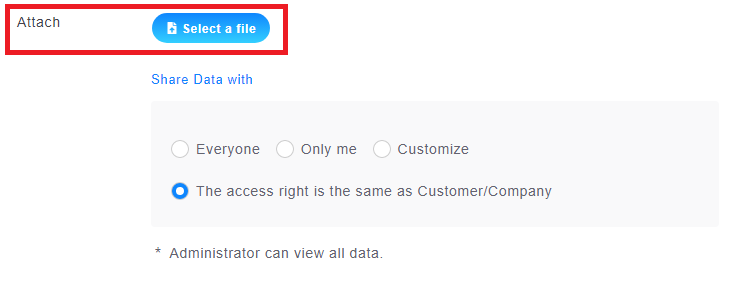
3. Receipts can be uploaded through [Attachment].
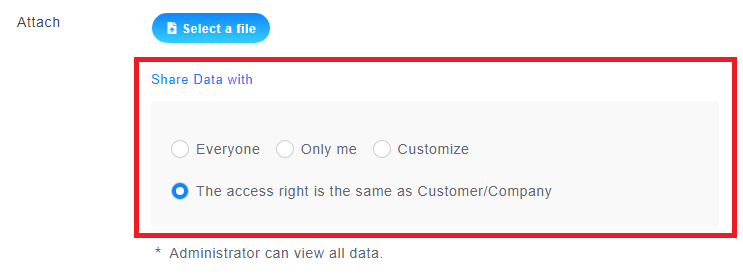
4. [Share Data With] allows you to manage who has access to the purchase record you're creating.
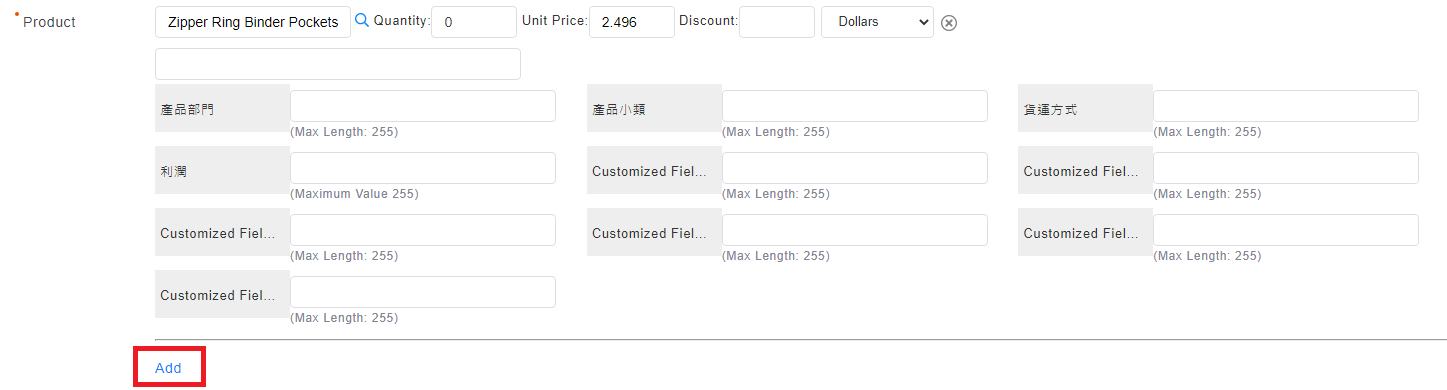
5. Press [Add] to add more products to your purchase record.
6. When you're done, click [ Save] to complete the purchase record.
來源連結:
https://support.vitalyun.com/en/?catid=28&id=4755%3Ahow-to-create-customer-purchase-records&view=article
More Content
2024 August
How to change the System Representative email account?
2024 August