目錄
1. Go to [Customer > More criteria]
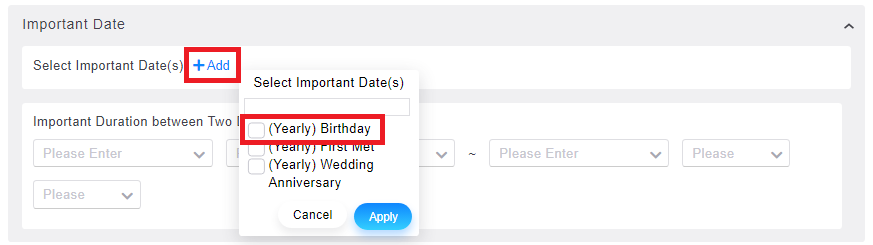
2. Click [Important Date > +Add > (Yearly) Birthday]
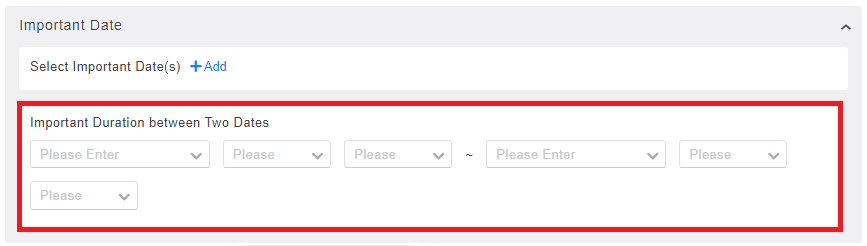
3. To confirm the birthday date, you can also search for customers' important day in the date range. After searching for a list, you are able to export excel file, set permissions, use marketing scripts and send email/SMS, etc.
來源連結:
https://support.vitalyun.com/en/?catid=28&id=4985%3Ahow-to-use-birthday-to-search-customers&view=article
More Content
2024 August
How to change the System Representative email account?
2024 August