目錄
In the customer tab, click on "More Criteria" at the top to expand the search criteria list.
Click on the plus icon next to the "Contact Information" field and enter an "@" symbol in the "Email" field. Once you have entered it, click on "Search" in the upper right corner.
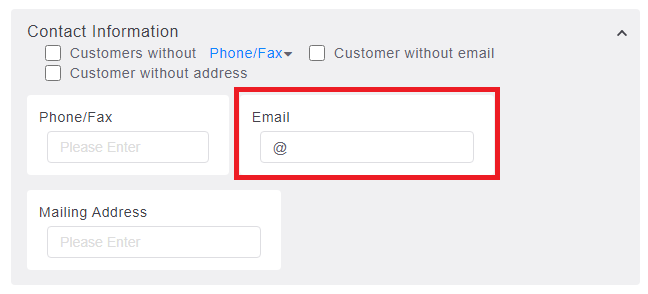
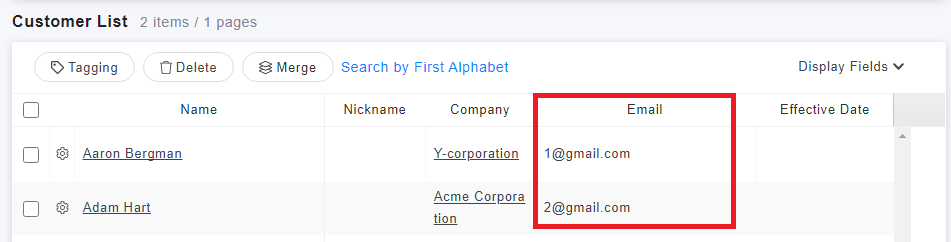
You will then be able to find customers with email addresses.
來源連結:
https://support.vitalyun.com/en/?catid=28&id=5010%3Ahow-to-search-for-customers-with-email-addresses&view=article
More Content
2024 August
How to change the System Representative email account?
2024 August