目錄
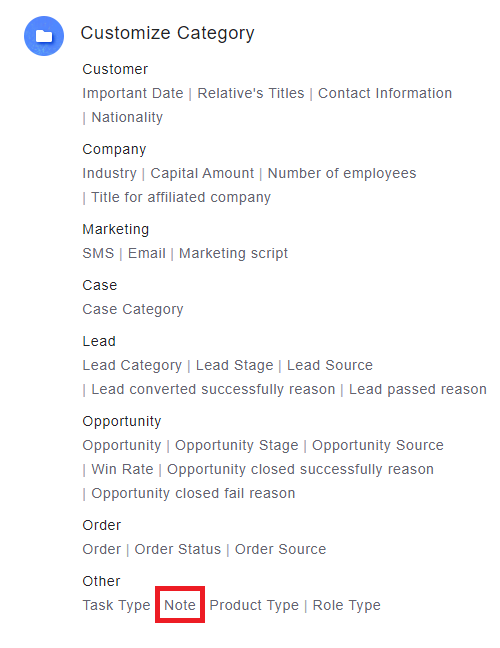
1. Go to [Settings] and click [Note] under [Customize Category]
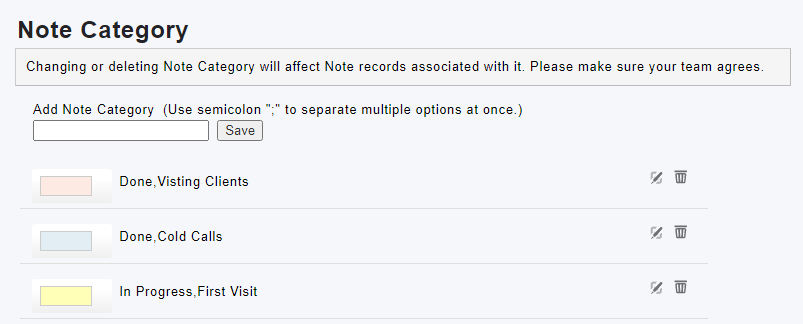
2. You can add, modify or delete the categories of notes.
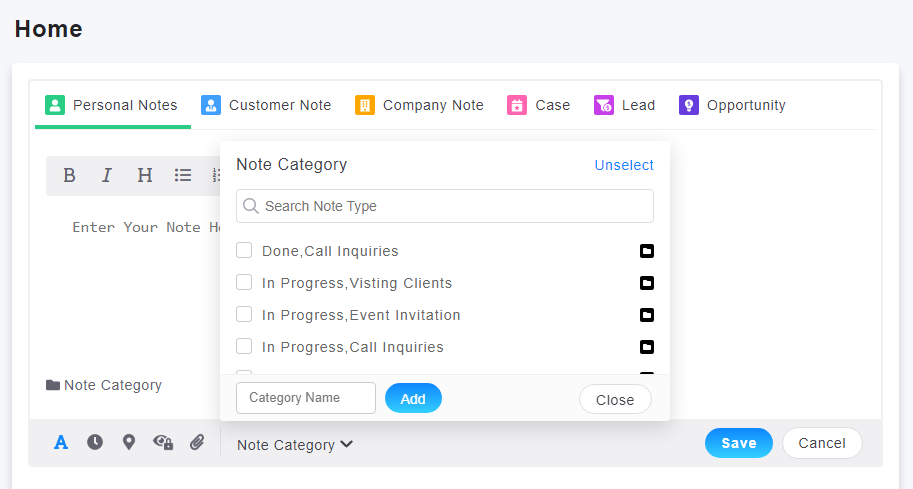
3. You can choose the category while inputting the note.
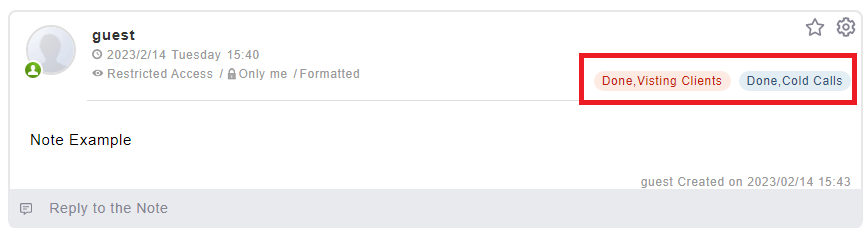
4. The category of note will be displayed in the note after inputting the note.
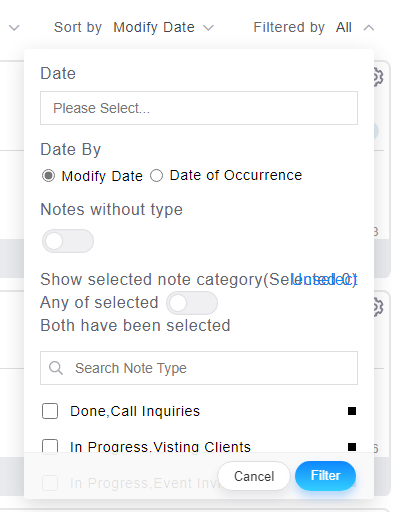
5. Making use of Filters by category to search is available to filter the note.
來源連結:
https://support.vitalyun.com/en/?catid=28&id=5083%3Ahow-to-set-up-note-category&view=article
More Content
2024 August
How to change the System Representative email account?
2024 August