目錄
On the home page, under note filter criteria, you can filter "No Category Notes".
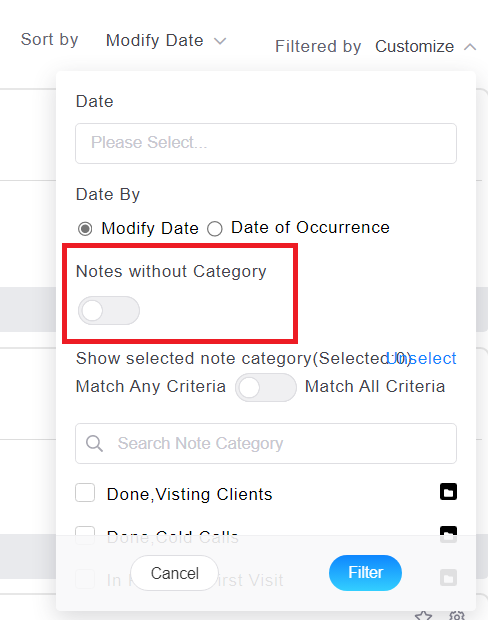
After enabling this condition, the original category list will be automatically hidden. Click "Filter" to find all notes with no category specified.
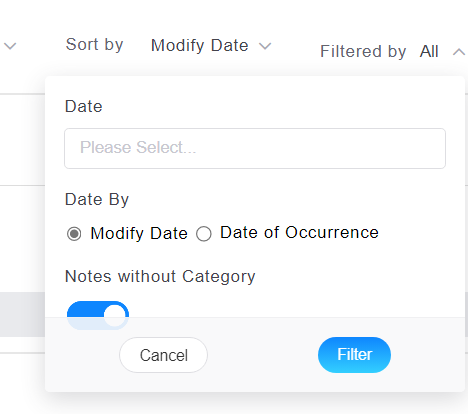
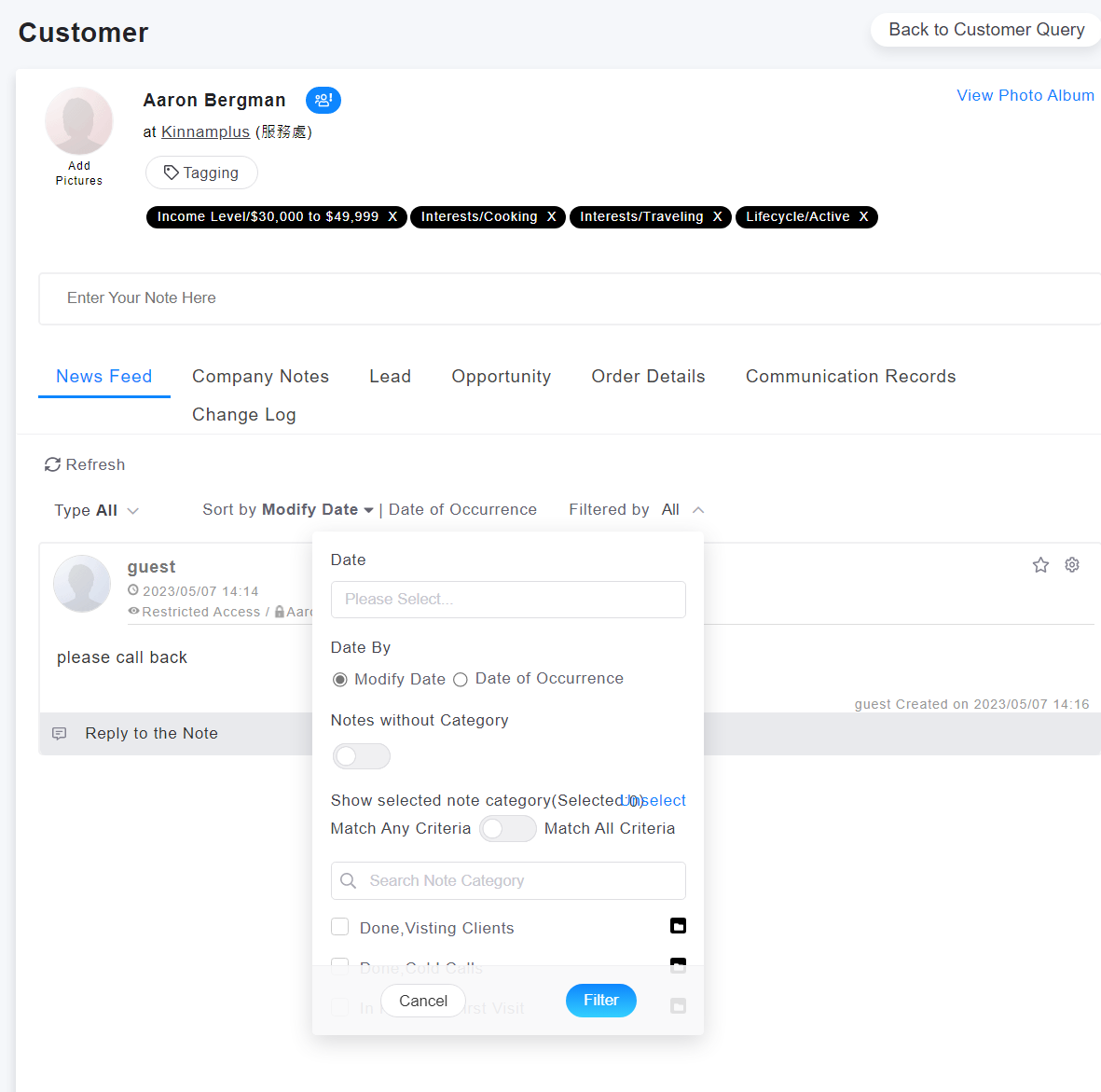
The Notes tab of the customer, company, business opportunity and other detailed information page also have the same filter conditions available.
來源連結:
https://support.vitalyun.com/en/?catid=28&id=5096%3Ahow-to-search-notes-without-category&view=article
More Content
2024 August
How to change the System Representative email account?
2024 August