目錄
There are two methods you can follow to add add Calendar Event
Method 1
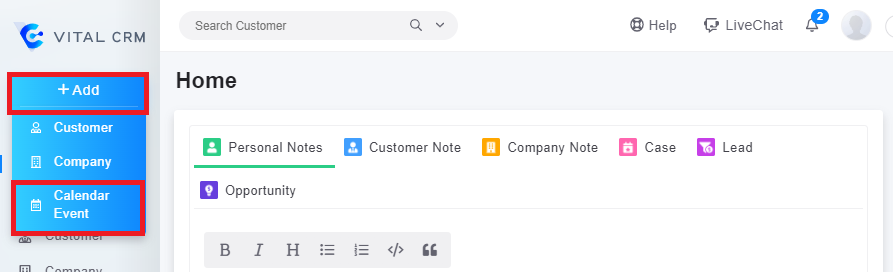
1. Click [+Add] on the left corner, and choose [Calendar Event] in the drop-down list
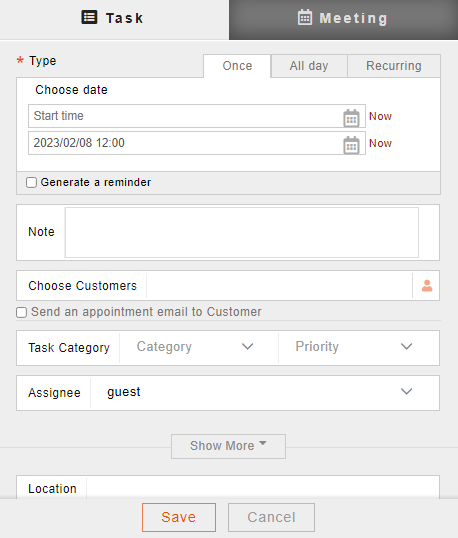
2. Fill in the informations for the task or meeting you want to add
Method 2
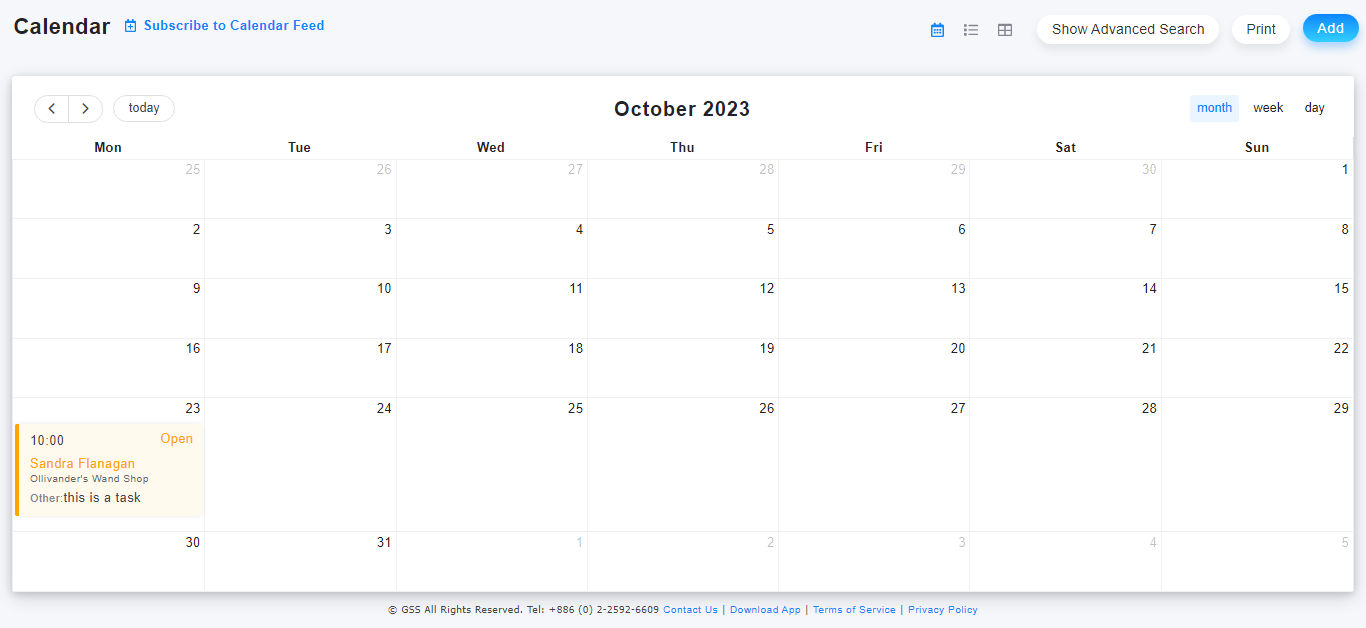
1. In the [Calendar] tab, there are several functions such as searching, adding or reviewing calendar entries.
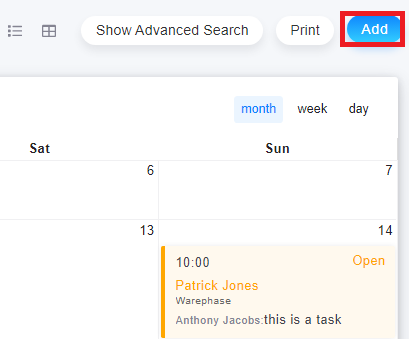
(1) Click the [Add] button on the right side of the page to create a new entry.
2. Fill in the informations for the task or meeting you want to add
來源連結:
https://support.vitalyun.com/en/?catid=28&id=5132%3Ahow-to-create-a-new-calendar-event&view=article
More Content
2024 August
How to change the System Representative email account?
2024 August