目錄
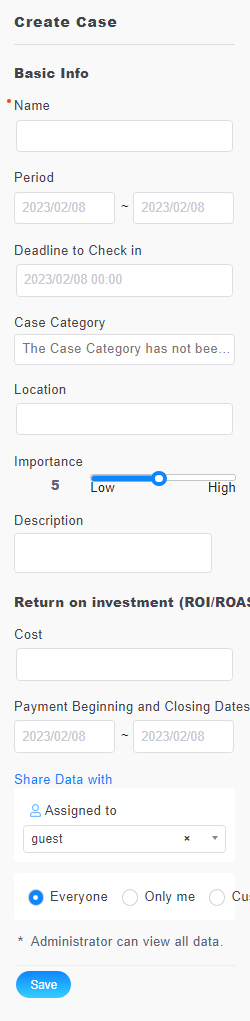
In the [Case] tab, fill in the activity information on the right side of the screen including the event name, the activity period, the place and description and permission settings. After double checking the information, click [Save].
來源連結:
https://support.vitalyun.com/en/?catid=28&id=5288%3Ahow-do-i-add-cases&view=article
More Content
2024 August
How to change the System Representative email account?
2024 August