目錄
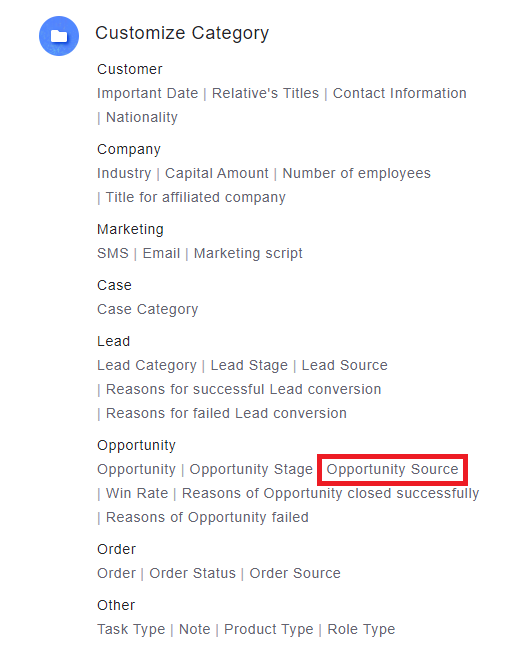
1. Go to [Settings > Customize Category > Opportunity Sources] to add
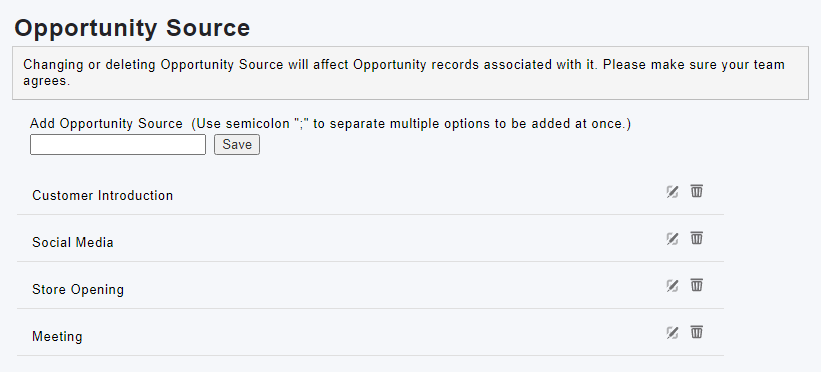
2. Fill in the source name to add a category. The added items can be edited, deleted, and adjust order (drag to move).
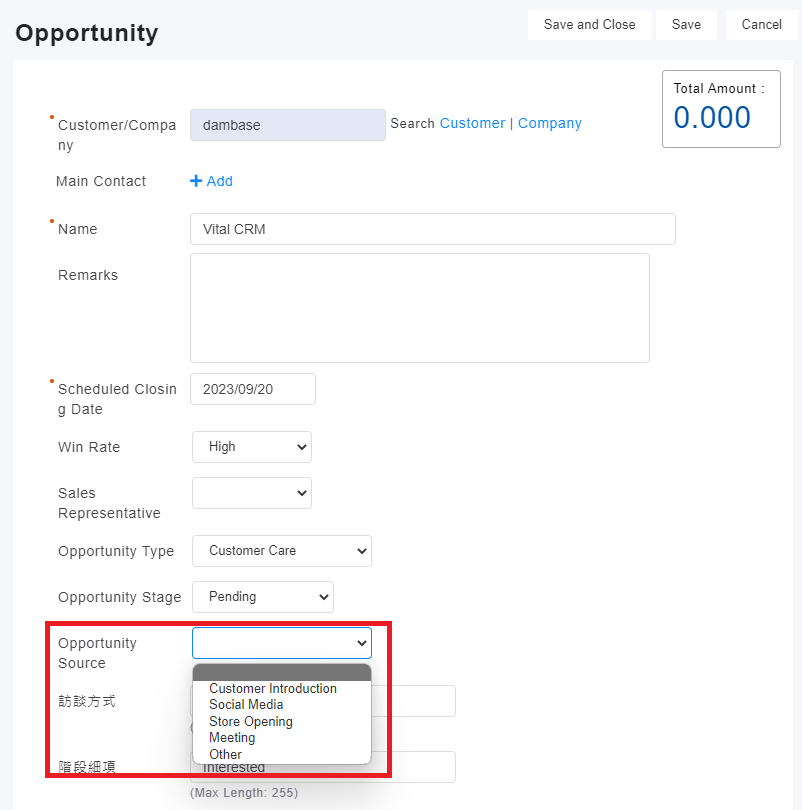
3. After adding a opportunity source, you can specify the opportunity source when editing the opportunity.
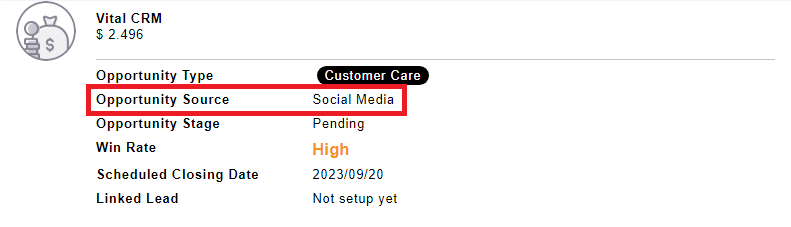
4. If there is an input source, you can see the source of the opportunity on the opportunity div page.
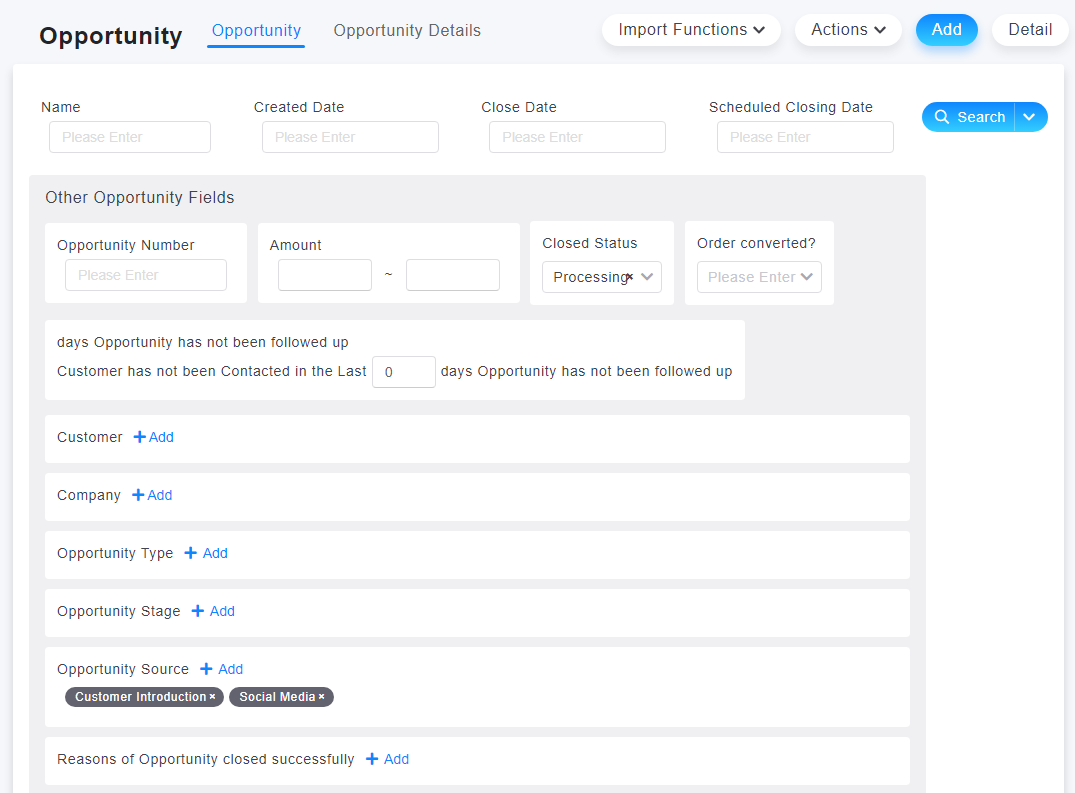
5. You can also use the source of opportunities as a search criteria to search opportunities from a specific source.
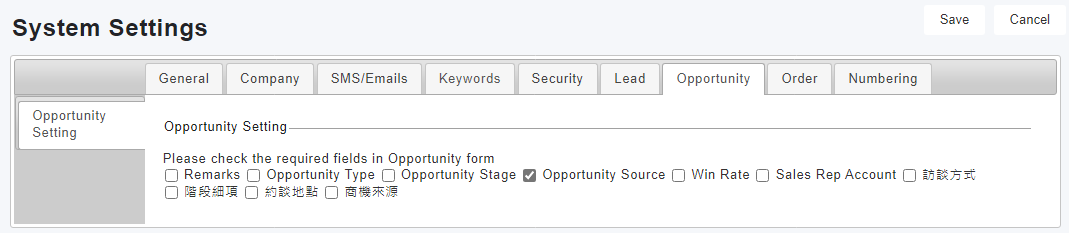
6. In [Settings > System Settings > Opportunity], you can set the opportunity source as the column to be displayed. Now you can see it on the list screen, and you can sort it.
來源連結:
https://support.vitalyun.com/en/?catid=28&id=5346%3Ahow-to-add-a-business-opportunity-source&view=article
More Content
2024 August
How to change the System Representative email account?
2024 August