目錄
In the home page, query the forms which meet certain conditions by using the search box in the top of the page, or through the right menu. (If this step is omitted, all the forms will be exported)
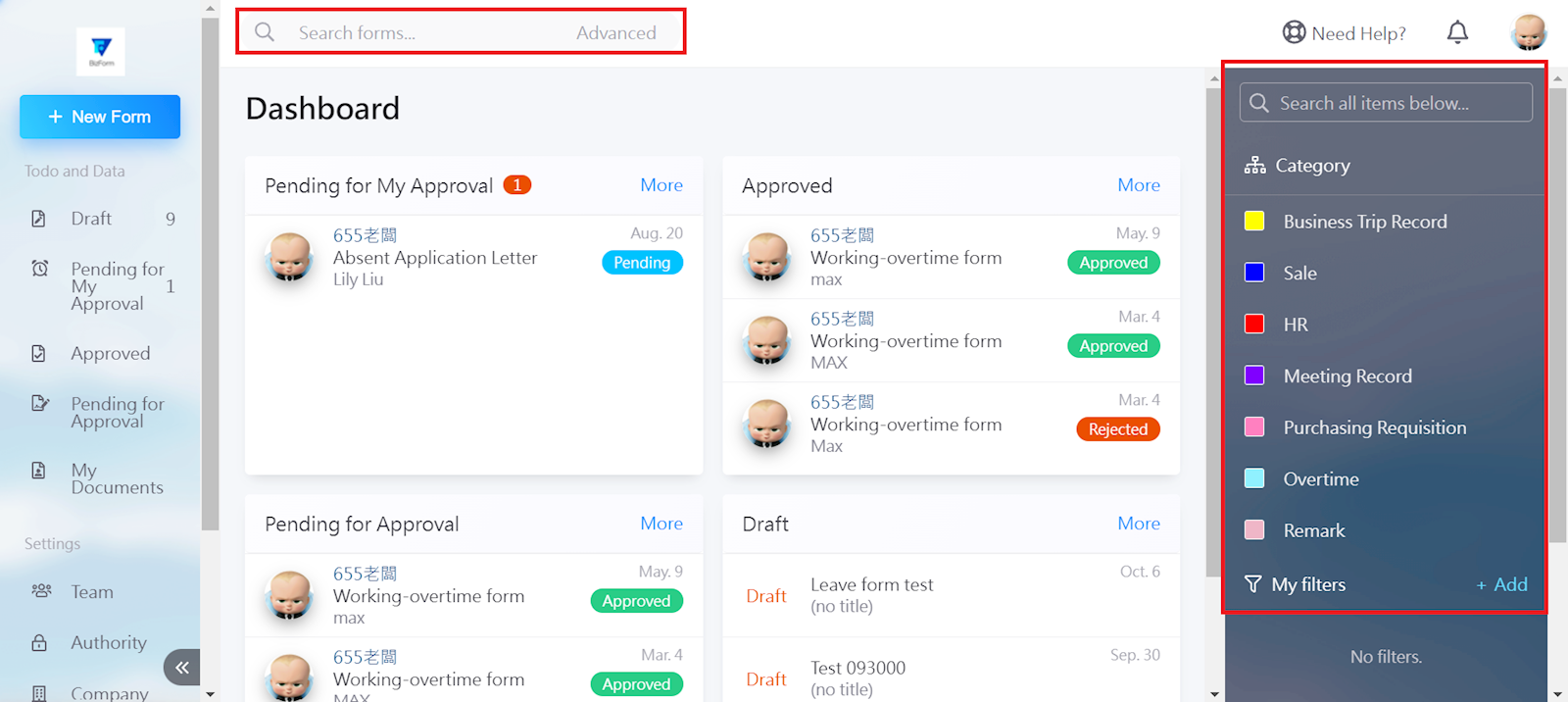
Select [Export] after the search results are displayed.

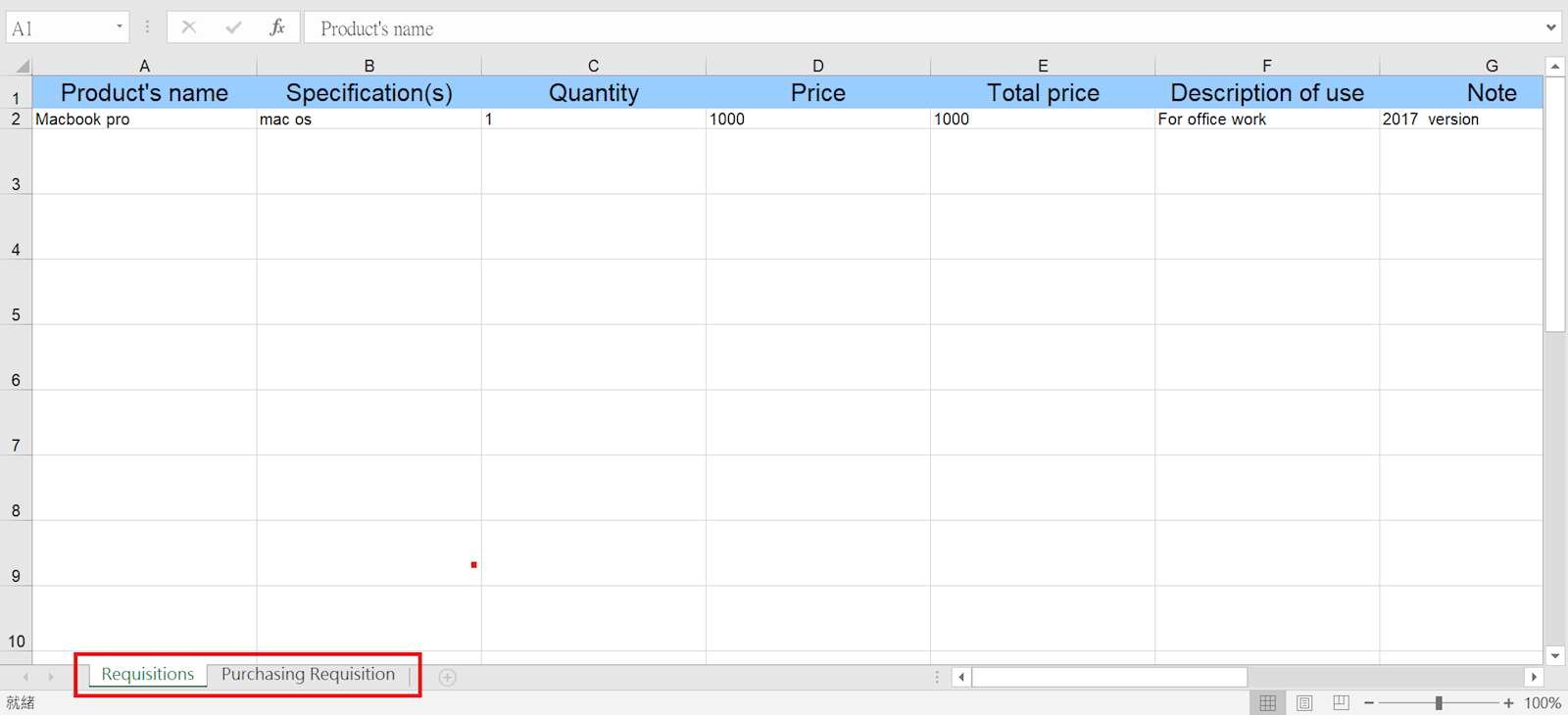
In the exported file, you can switch through the forms in the tabs at the bottom.
來源連結:
https://support.vitalyun.com/en/?catid=28&id=5403%3Ahow-do-i-export-a-form&view=article
More Content
2025 December
Account Notification Setting
2024 August