目錄
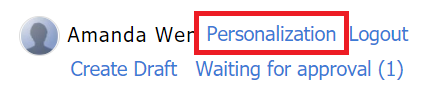
1. Click [Personalization].
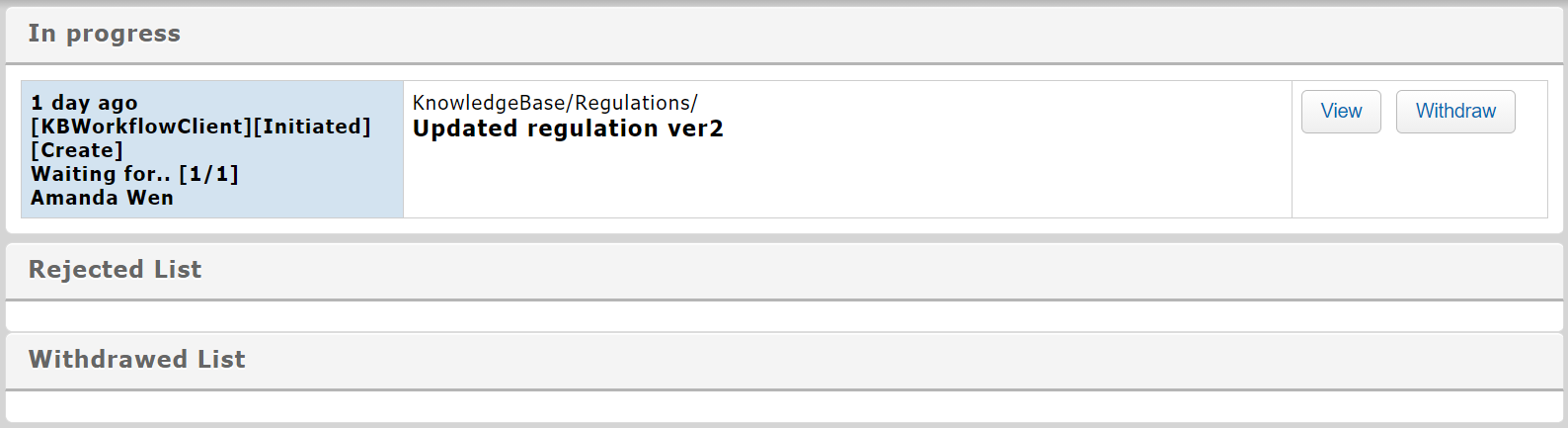
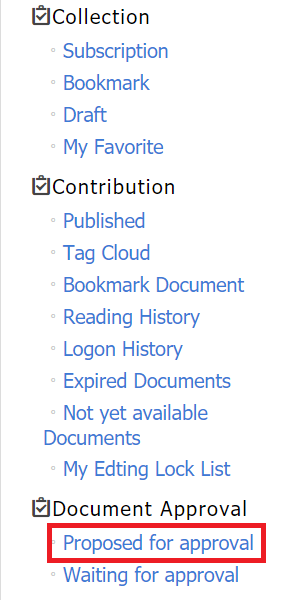 3. The documents in progress, rejected, or deleted can be viewed respectively in the lists.
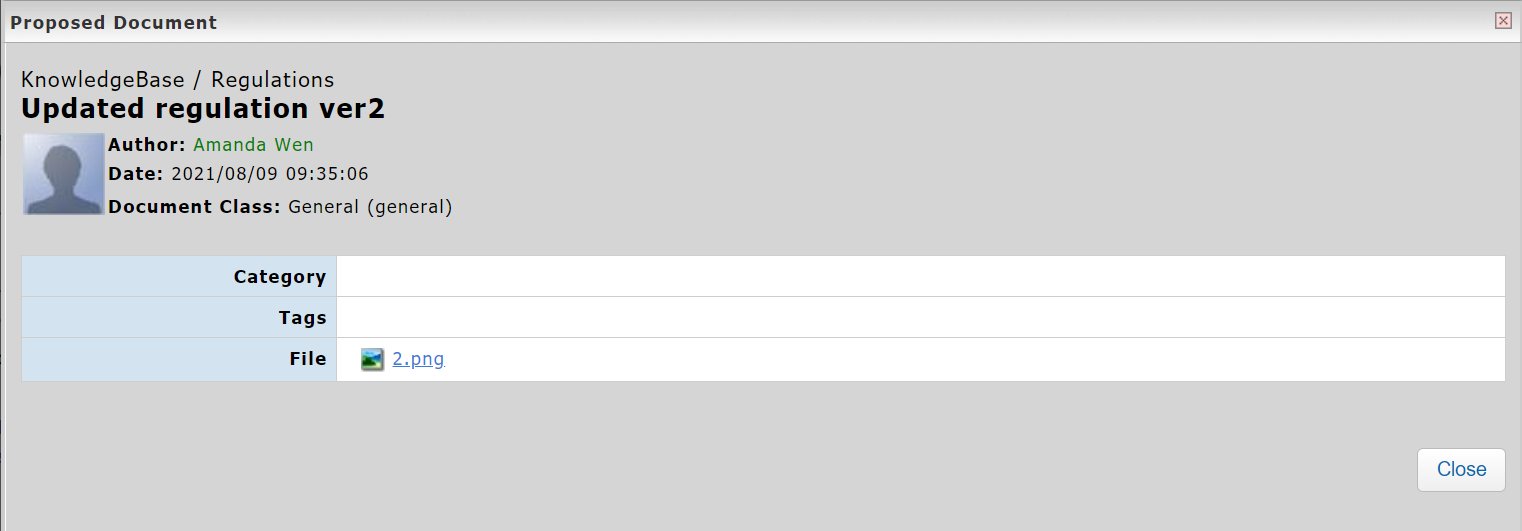
*Proposed document when viewing.

*The system will send reminder emails to the proposer. Please make sure the email information is filled in your account.
來源連結:
https://support.vitalyun.com/en/?catid=28&id=5714%3Ahow-can-i-view-the-document-approval-status&view=article
More Content
2024 August
"My Subscription" and "My Subscribed Documents" explained
2024 August