You can log in using the following website: https://www.gsscloud.com/en/
To add a login account: In the email section, add a new email address and complete the verification process. This new email address can be used as your login account. To Change a login account: Add a new email address, complete the verification process, set it as the "primary" email, and delete the old account. Please note that the email address entered here must not have been registered as an account before.
-
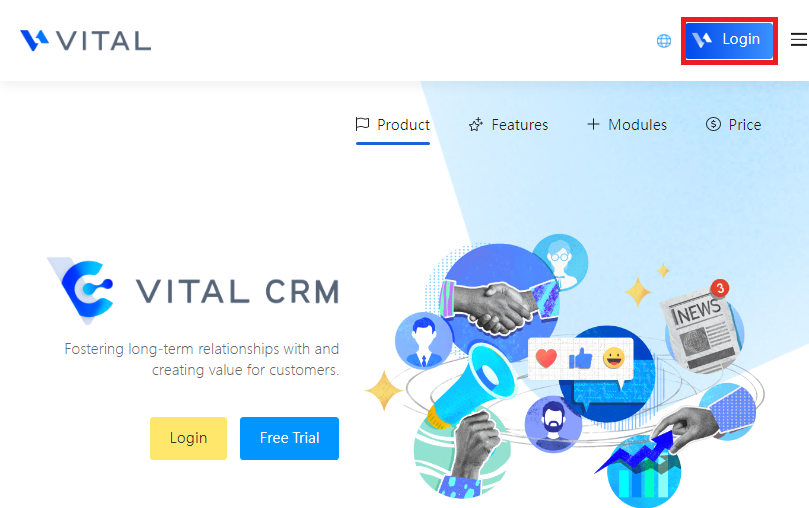
Go to the homepage of the official website (https://www.gsscloud.com/en/) and click "Log in" in the top right corner to log in with your current account.
-
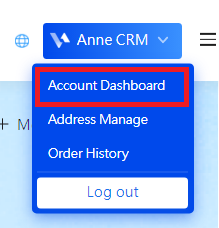
After logging in, go back to the homepage of the official website. Your name will be displayed in the top right corner. Click on it to enter the "Account Dashboard".
-
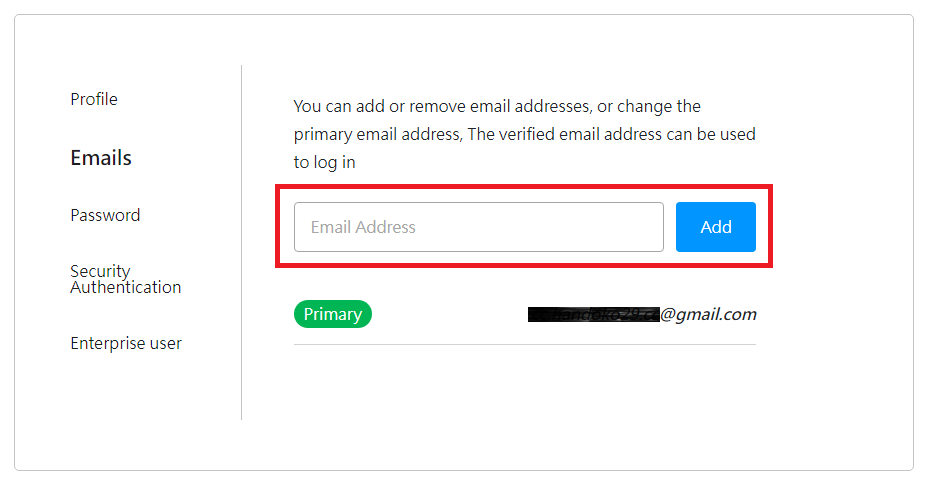
In the Account Center, go to the "Email" section and enter the email address you want to use for login in the future. Complete the verification process.
- Ensure that your new email address can receive emails properly. If you need to resend the verification email, you can do so on the page shown below.
- Note that the email address entered here must not have been registered as an account before.
來源連結: