目錄
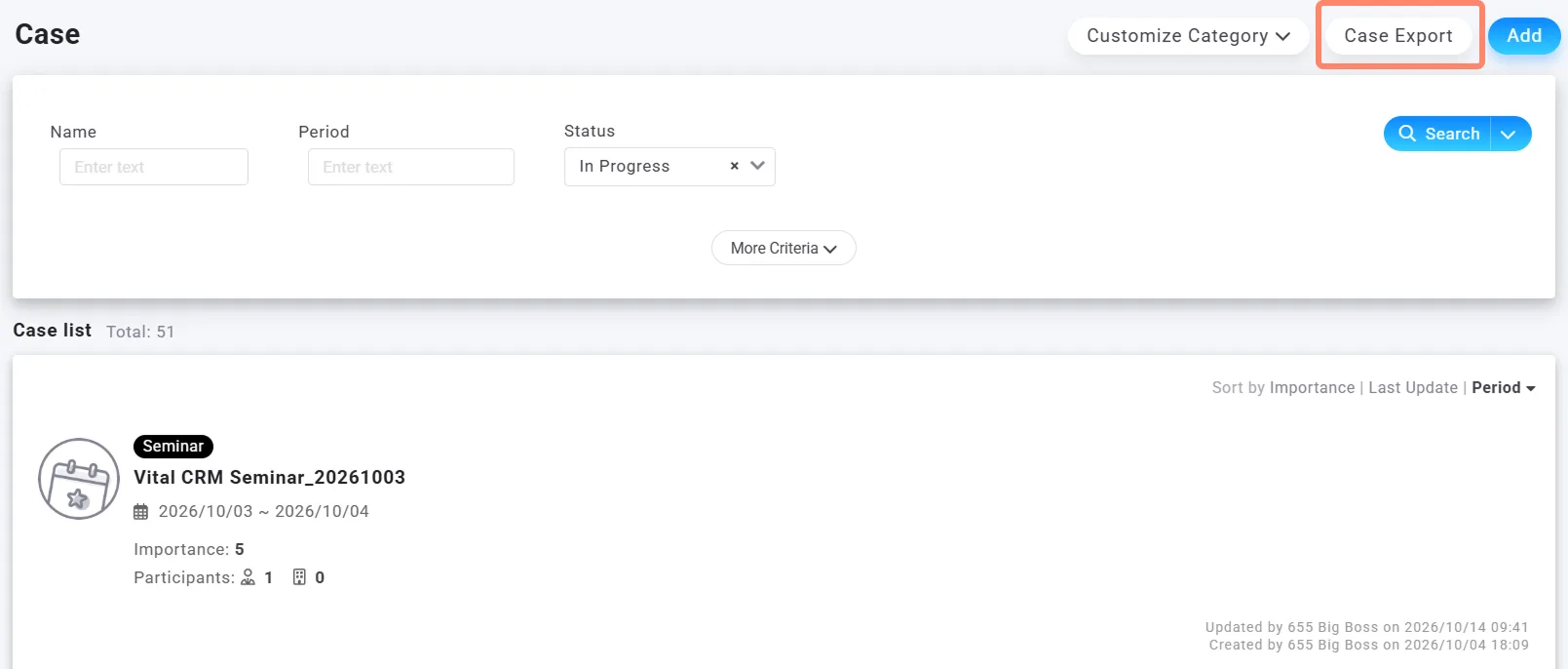
On the event/activity list screen, you can export the events/activities that match the current filters.
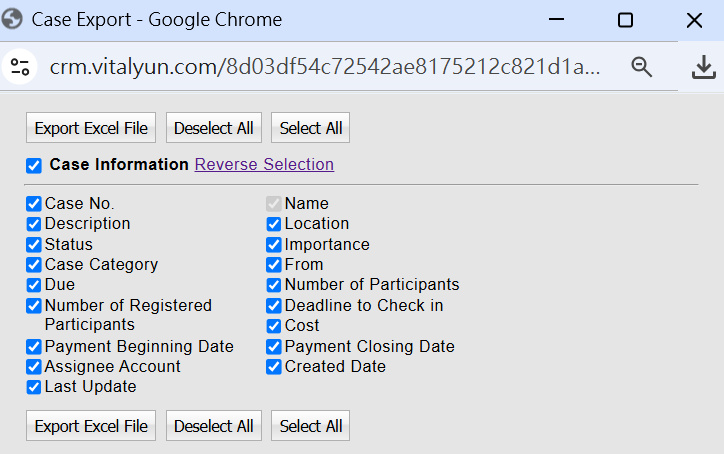
 This export feature exports basic event/activity information. The available fields are shown below. !
Source link:
https://vital-faq.azurewebsites.net/CRM/5467
https://support.vitalyun.com/en/?catid=28&id=6062%3Ahow-do-i-export-event-activity-details&view=article
On the event/activity list screen, click [Export events/activities] in the top-right corner to export the events/activities that match the current filters.
More Content
2024 August
How to change the System Representative email account?
2024 August