目錄
Our [Order] function keeps track of customer order, customer purchase behavior, order frequency, analyzes purchase data to discover popular products and filter VIP customers from inactive customers.
[Two features of Order]
1. Add new products.
2. Add customer order record.
1: How to add new products?
(1) Go to [Settings > Data > Product]
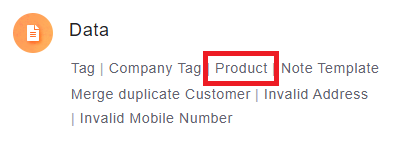
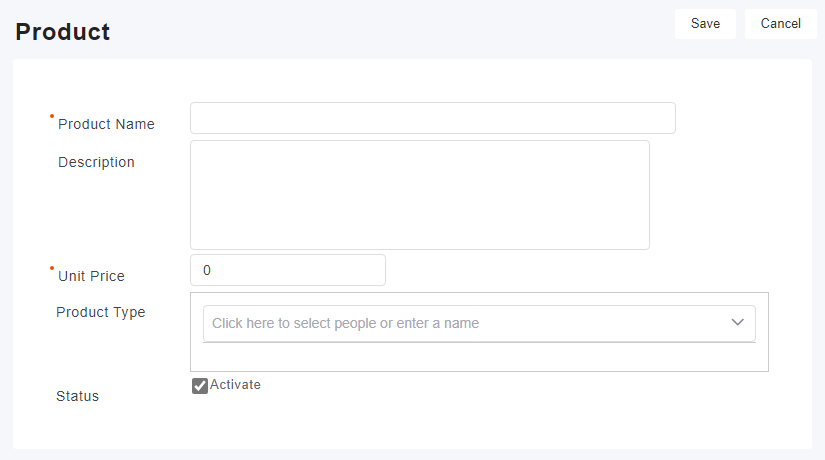
(2) Click [Add] and fill out the required fields, then click [Save] to add your new product. (Please note red*fields must be filled)
2: Create customer order records
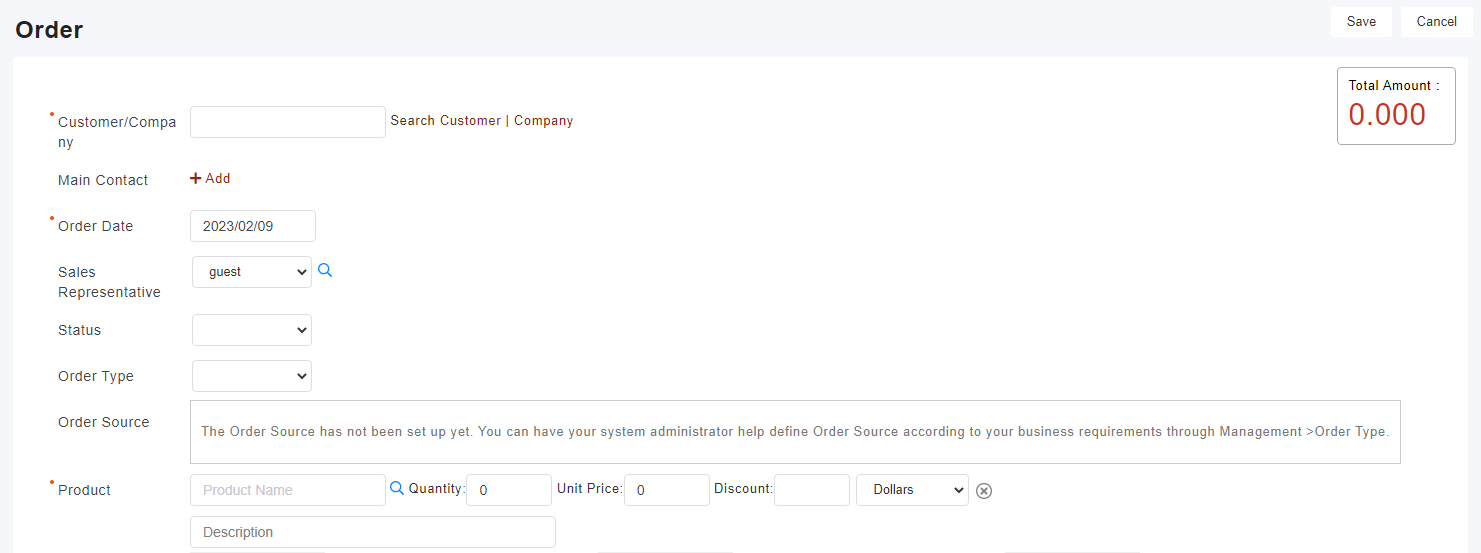
(1) Go to [Order] tab, then click [Add].
(2) Fill out the fields. Please note red*fields must be filled.
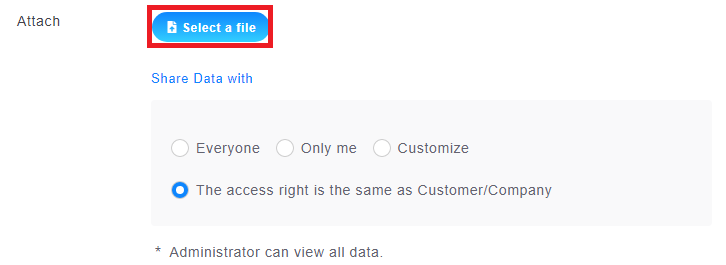
(3) Receipts can be uploaded through [Attachment].
(4) When done, click [Save] to complete the purchase record
來源連結:
https://support.vitalyun.com/en/vital-crm/faq?catid=28&id=4737%3Aapplication-and-operation-of-order-management&view=article
More Content
2024 August
How to change the System Representative email account?
2024 August