目錄
1. Select which customers' data you would like to export. The following are two ways to select customers that could meet your requirements.
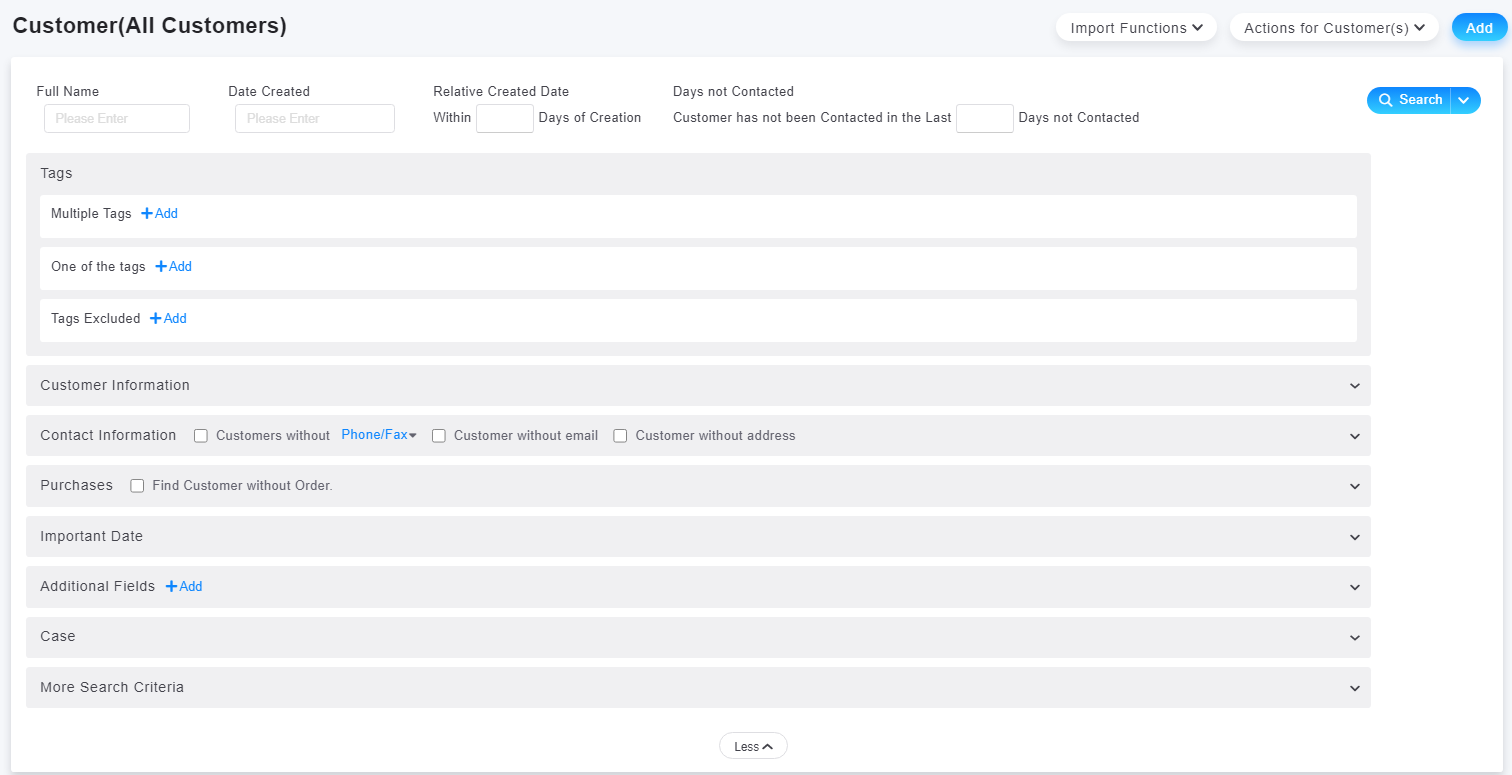
※ Go to [Customer > More Conditions] to select the conditions. Then click on [Search] in upper right corner to get the customer list.
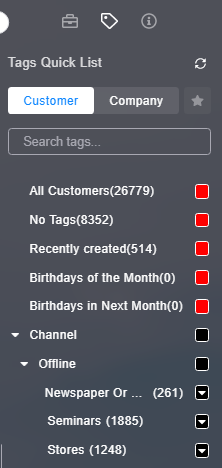
※ Click on particular tag, and the customers with the tag will be shown as a list.
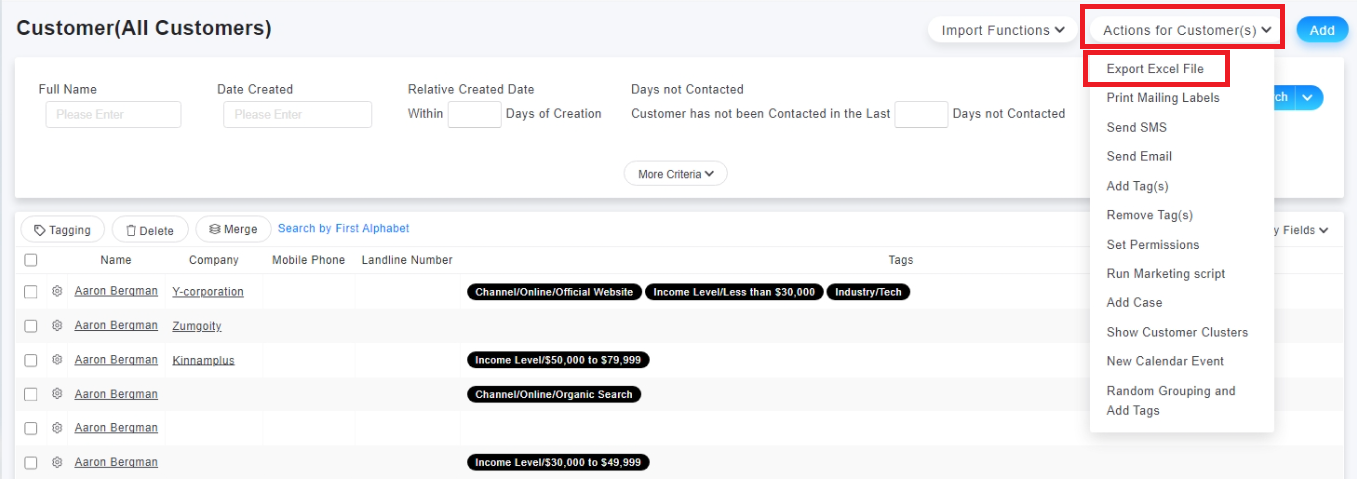
2. After confirming the customer list of searching result, select [Actions for Customer(s) > Export Excel File] to export your customer data.
來源連結:
https://support.vitalyun.com/en/vital-crm/faq?catid=28&id=5035%3Ahow-to-export-my-customer-data&view=article
More Content
2024 August
How to change the System Representative email account?
2024 August