目錄
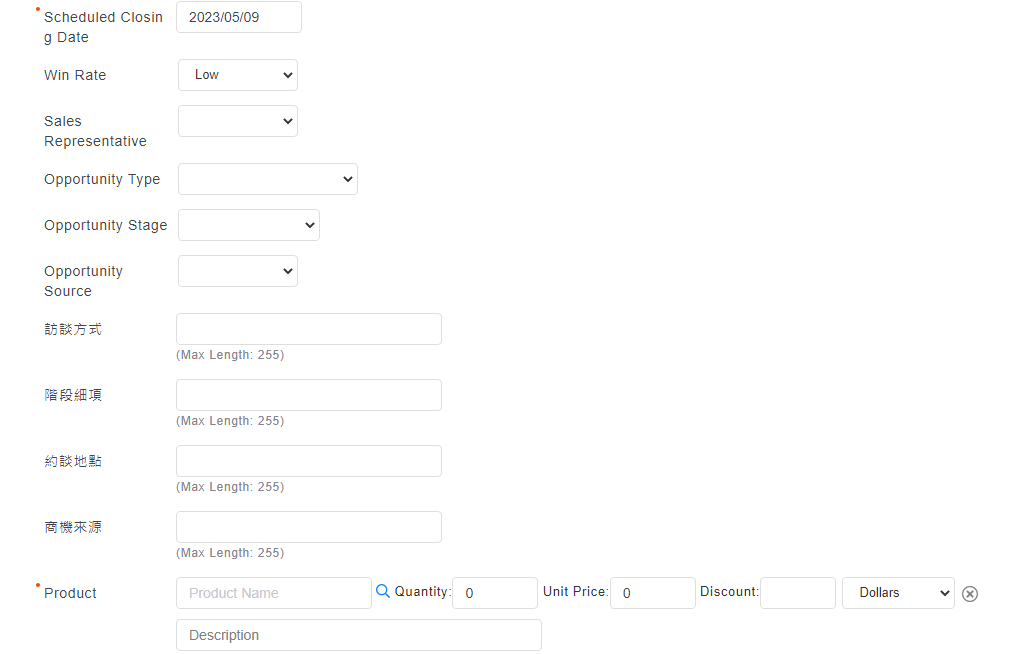
The opportunity editing page can select products or opportunity div. One opportunity can correspond multiple opportunity div.
※ Below are some restrictions about opportunity div:
1. The money of opportunity is no longer open for manual input. The total amount sums up the all the money of opportunity div.
2. The instruction of additional fields of opportunity div is same as the one of order div (Go to [settings > additional fields > order > items])
3. One opportunity at least contains one opportunity div. Besides, when editing the original data, you need to add the opportunity div. By adding "Opportunity div", you can easily check all the information of opportunity div (including the valued one) on the page of opportunity div.
來源連結:
https://support.vitalyun.com/en/vital-crm/faq?catid=28&id=5319%3Arelated-details-of-opportunity-details&view=article
More Content
2024 August
How to change the System Representative email account?
2024 August