目錄
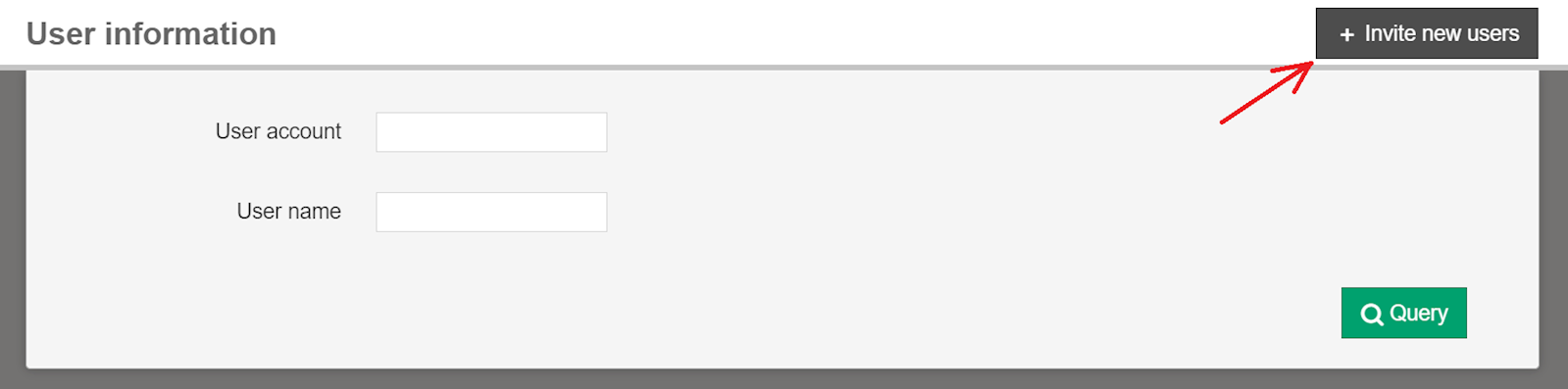
User permissions can be changed at [System management] > [User information] > "Edit" button.
If you haven't added other users, you can do so by selecting [+Invite new users] in the top right corner.
來源連結:
https://support.vitalyun.com/en/vital-finance/faq?catid=28&id=5561%3Ahow-do-i-set-user-permissions&view=article
More Content
2024 August
Accountant/agent role function restrictions in maintenance
2024 August