目錄
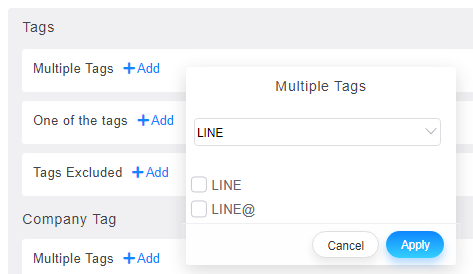
You can use the "Filter" function on the [Customers] page to find out customers with line tags or Current Customer Form tags. For customers who use LINE, the system will automatically label them with "LINE".
On the [Customer] page, click [More Criteria] at the top to expand the menu, click the [tags] column in the menu, and search [LINE] or [Current Customer Form]:
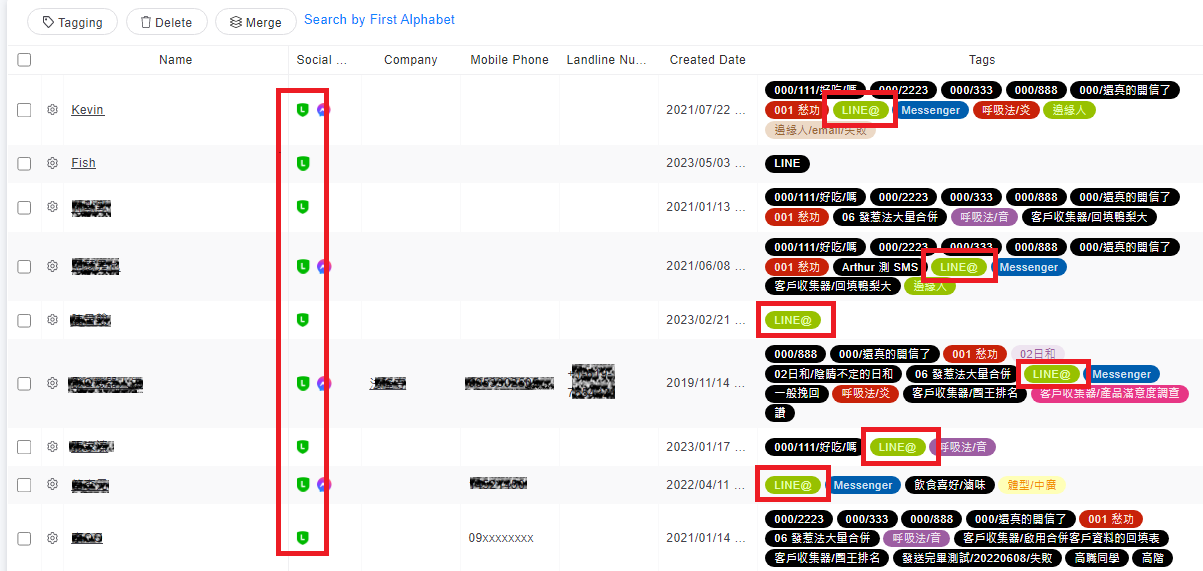
Then you can see a list of customers who use "LINE@", and customers will have a "LINE@" tag on them.
來源連結:
https://support.vitalyun.com/en/?catid=28&id=4800%3Ahow-do-i-search-line-customers&view=article
More Content
2024 August
How to change the System Representative email account?
2024 August