目錄
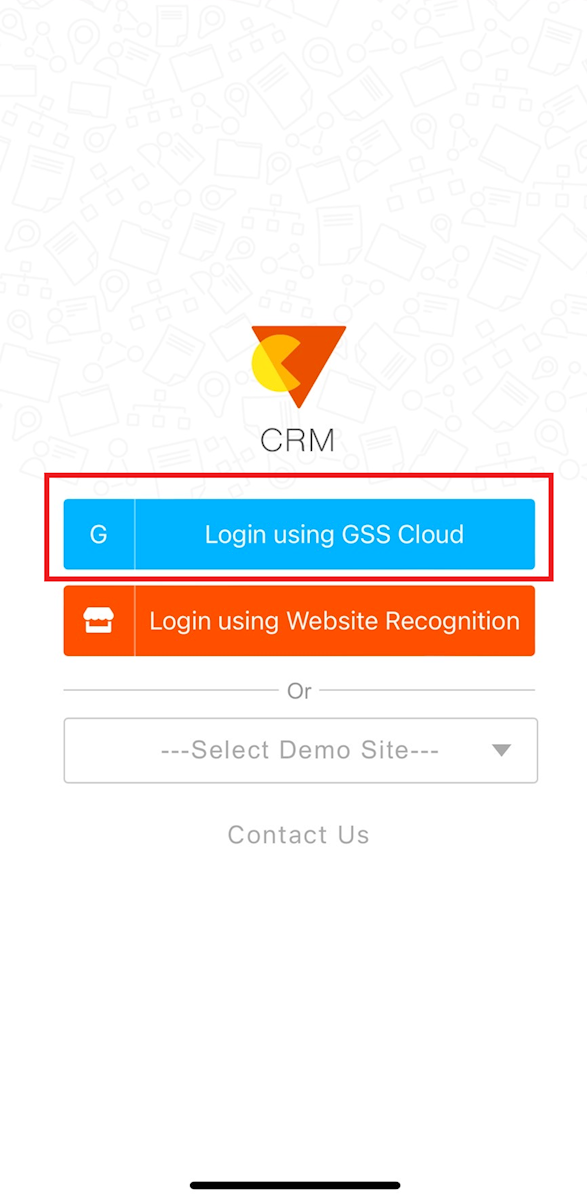
1. After downloading the APP, as shown on the login page below, please click the blue button [GSS Cloud Login].
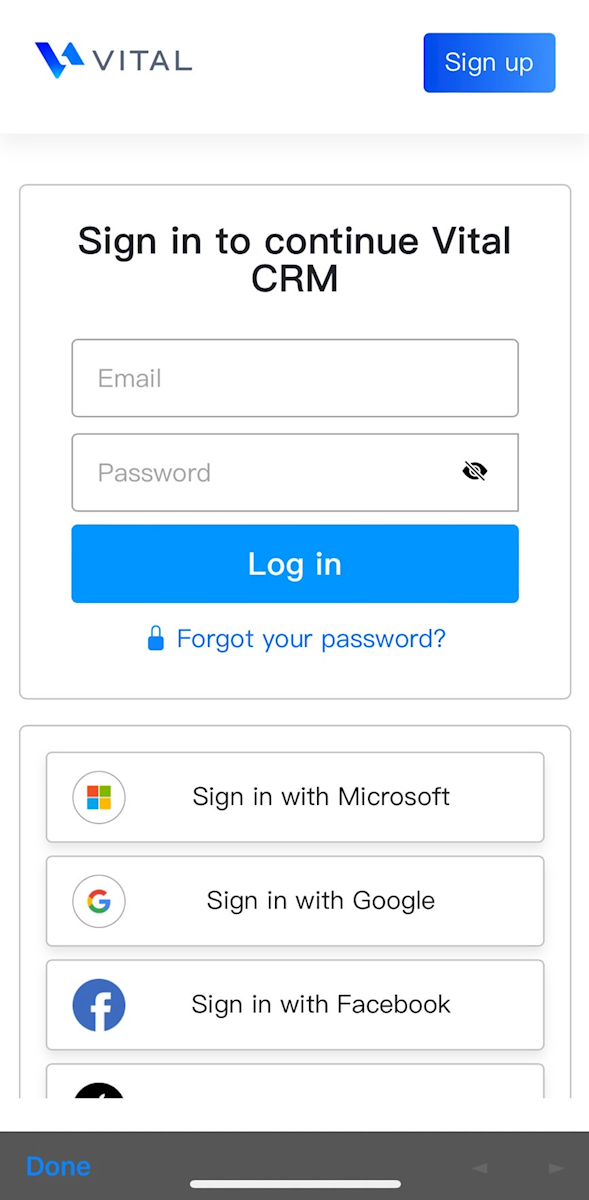
2. Enter your account and password or use your Google or Facebook account to login.
* Note: The system was updated on December 21, 2016. After this time, users of the new application system can follow the steps above to sign-in to the APP.
* How to download the Vital CRM APP?
來源連結:
https://support.vitalyun.com/en/?catid=28&id=4945%3Ahow-to-login-to-the-app&view=article
More Content
2024 August
How to change the System Representative email account?
2024 August