目錄
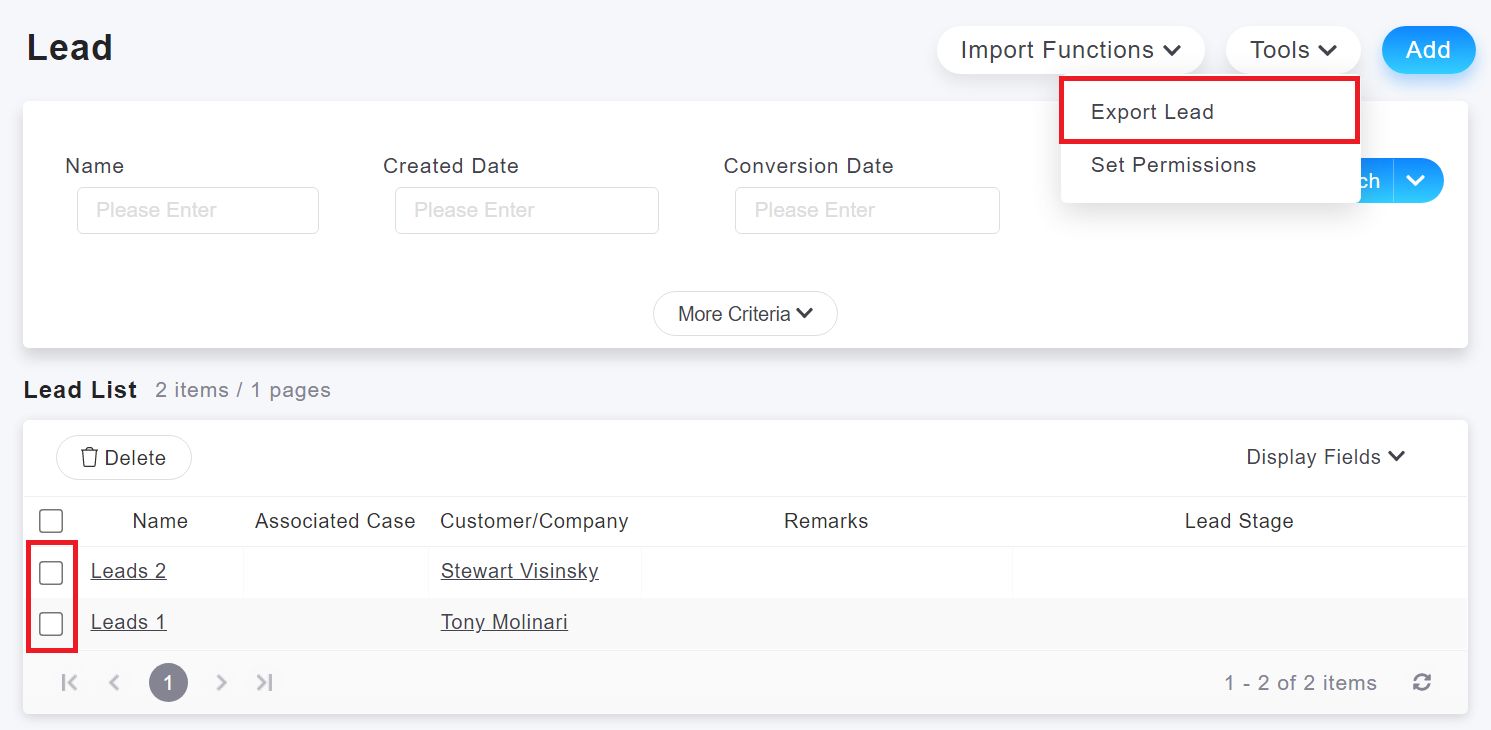
You can click on [Tools > Export Lead] on the Leads list page to export the filtered leads data. When selected, it will export the selected items. If you did not select any leads, it will export all the leads after filtering.
來源連結:
https://support.vitalyun.com/en/?catid=28&id=5331%3Ahow-can-i-export-leads&view=article
More Content
2024 August
How to change the System Representative email account?
2024 August