目錄
If your company has purchased the Insight Analysis module, please check with your system administrator to confirm if your permissions have been enabled. Here's how the administrator can enable your permissions:
-
Click on [Settings > Accounts].
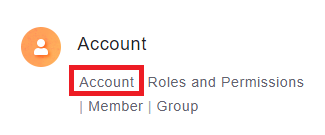
-
On the Accounts page, click on the account for which you want to enable the Insight Analysis module, and then click "Edit" in the upper right corner.
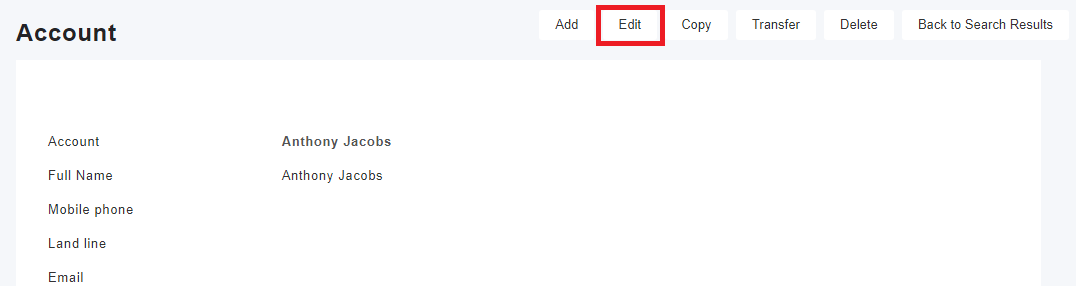
-
On this page, you can "Activate" or "Disactivate" the Insight permissions for that account.

-
If your administrator has granted you Insight permissions, you can switch to the Insight Analysis tab on the left menu.
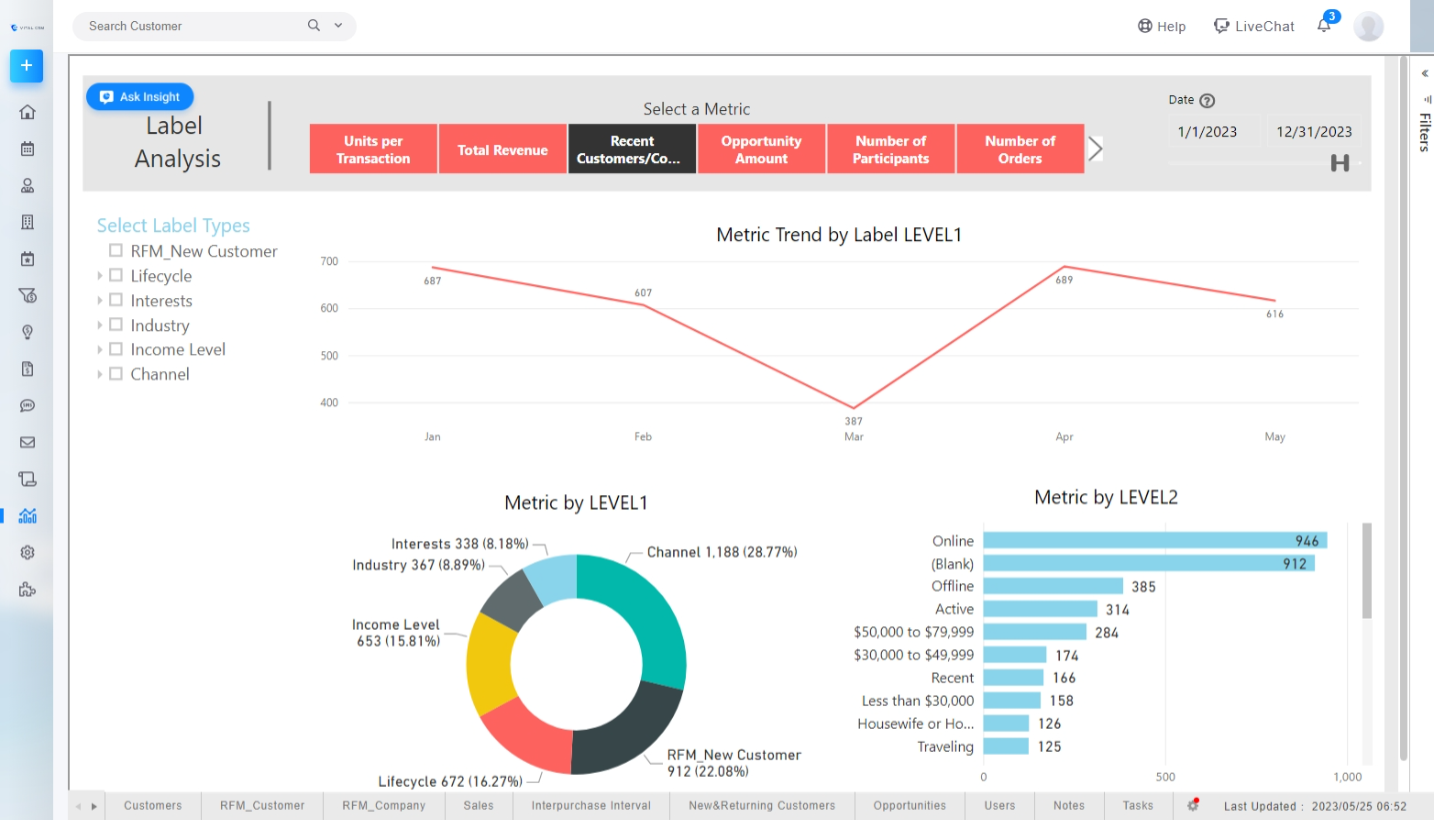
* The Insight Analysis module is an add-on feature, so please make sure your company has purchased this module.
來源連結:
https://support.vitalyun.com/en/?catid=28&id=5373%3Ahow-to-access-the-insight-analysis-page&view=article
More Content
2024 August
How to change the System Representative email account?
2024 August