目錄
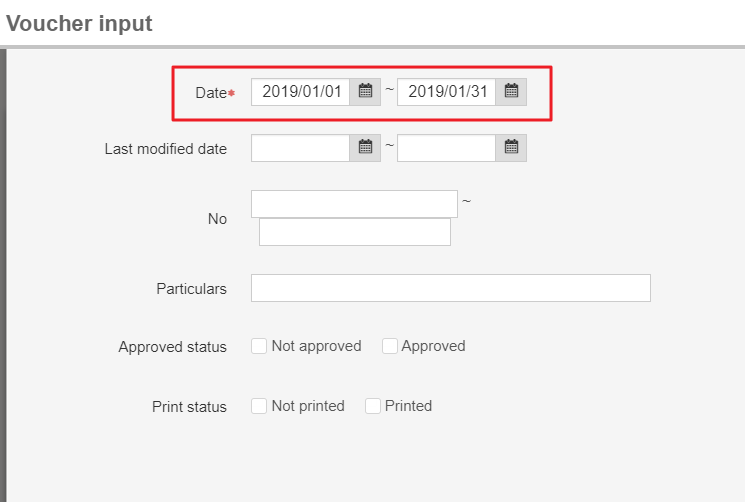
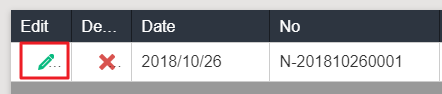
[Daily work]>[Voucher input]>[Back] on the upper right> Click [Expand query]> Input the date to search the voucher you need, then you could click it to modify functions.


來源連結:
https://support.vitalyun.com/en/?catid=28&id=5493%3Ahow-to-modify-input-voucher&view=article
More Content
2024 August
Accountant/agent role function restrictions in maintenance
2024 August